Addis Gaming APK: file facts
| Detail | Value |
|---|---|
| App name | Addis Gaming |
| File type | APK (Android only) |
| File name | addisgaming.apk |
| File size | About 43 MB |
| Price | Free |
| iPhone / iPad | No store app; browser shortcut (PWA) |
| Last updated | 13/11/2026 |
Free · Android
Table of contents
The Addis Gaming app puts the casino lobby on your phone as a single icon. You open it, log in and play, with no need to type the address into a browser every time. It is built for Android, and it arrives as an APK file rather than through Google Play.
That detail shapes the whole install process, so the steps below are written for it. iPhone owners are covered further down: there is no App Store version, but a home-screen shortcut gets close.
How to install the Addis Gaming APK on Android
An APK from outside Google Play needs one permission change on the phone. The steps are short, and the screens differ slightly between Samsung, Tecno, Infinix and other brands.
Install in five steps
Download the file
Tap the Download APK button on this page. Your browser may warn that this type of file can be harmful; confirm that you want to keep it. The file is addisgaming.apk, about 43 MB.
Open the downloaded APK
Go to the notification shade or the Downloads folder and tap the file.
Allow unknown sources
Android asks for permission. Tap Settings and switch on Allow from this source for the browser or file manager you used. On older Android versions this switch sits under Settings → Security → Unknown sources.
Install
Go back and tap Install. It takes a few seconds. If Play Protect shows a scan prompt, choose Install anyway after checking that the file came from this page.
Open and log in
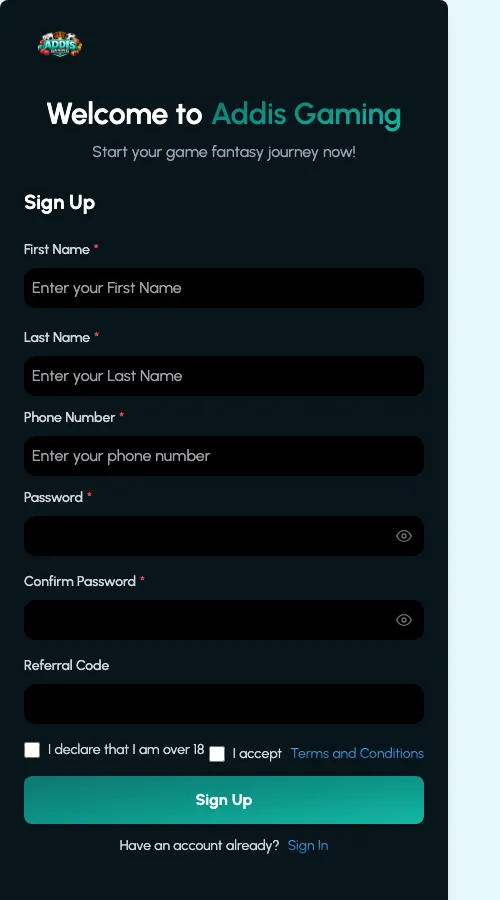
Tap Open or find the Addis Gaming icon on the home screen. Log in with your existing account or sign up inside the app.
Once the app is installed, you can switch the unknown-sources permission off again. The app keeps working.
Addis Gaming on iPhone: add the site to your home screen
There is no iOS app. What works instead is a progressive web app (PWA) shortcut: the mobile site opens full-screen from its own icon, without the Safari address bar.
- Open the Addis Gaming site in Safari. Other iPhone browsers hide this option.
- Tap the Share button (the square with an arrow) at the bottom of the screen.
- Scroll down and choose Add to Home Screen.
- Keep or edit the name, then tap Add.
- Open the new icon. The casino loads like an app.
Android users can do the same from Chrome (menu → Add to Home screen) if they would rather not install an APK.
What is inside the app
The app mirrors the casino lobby of the main site, so nothing has to be relearned. Based on the reference lobby, the main areas are:
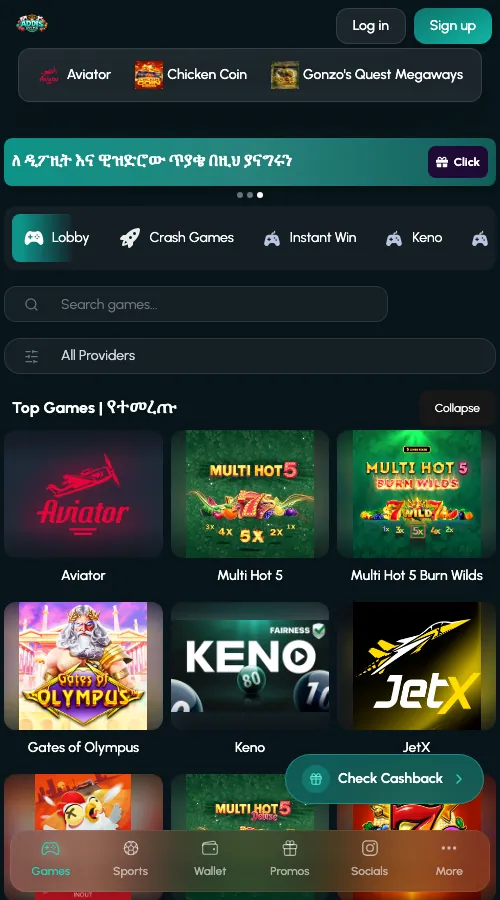
- Crash and instant-win games such as Aviator, JetX and Chicken Road 2, plus Plinko, Mines, Dice and Keno.
- Slots from Pragmatic Play and other studios, including Gates of Olympus, Sweet Bonanza and Big Bass Bonanza.
- Table and card games: roulette, blackjack and lottery-style draws.
- Virtual sports from Kiron, with football leagues and racing.
- Promotions: VIP Rewards and a daily cashback claim sit in the banners at the top.
- Support access: a chat link for deposit and withdrawal questions and a Telegram channel.
Everything about the game catalogue is on the page for Addis Gaming casino games. Deposits and withdrawals use the same account balance as the website, so there is no separate wallet to fund.
Biometric login
Fingerprint or face unlock is offered by your phone, not by the casino. If it is available for the app on your device, it only works for accounts that are already verified.
App or mobile site: which one to use
| Feature | Android APK | Mobile site / PWA |
|---|---|---|
| Installation | Download and install about 43 MB | Nothing to install; optional shortcut |
| Opening speed | Launches from its own icon | Depends on the browser and connection |
| Notifications | Phone notifications possible | Limited, depends on browser |
| Data usage | Lobby assets are stored on the phone, so repeat visits load lighter | Pages are fetched through the browser each time |
| Storage space | Uses phone memory | Almost none |
| Works on iPhone | No | Yes |
| Updates | Install the new APK manually | Always the latest version |
If the phone is short on memory or you share it with others, the browser shortcut is the lighter choice. For daily play on Android, the app is quicker to reach.
Updates and common problems
Because the APK does not come from Google Play, it does not update itself. When a new build is published, download the file again from this page and install it over the old one. Your account and balance live on the server, so nothing is lost.
The app will not install
Check that the file finished downloading (it should be about 43 MB) and that the unknown-sources permission is on for the app you opened it from. A message saying the package is invalid usually means a broken download; delete the file and fetch it again on a stable connection. Low storage is the other common cause, so free a few hundred megabytes first.
The app will not update
Installing a newer APK over the old one only works when both come from the same source. If Android refuses, uninstall the old app, install the new file, and log in again.
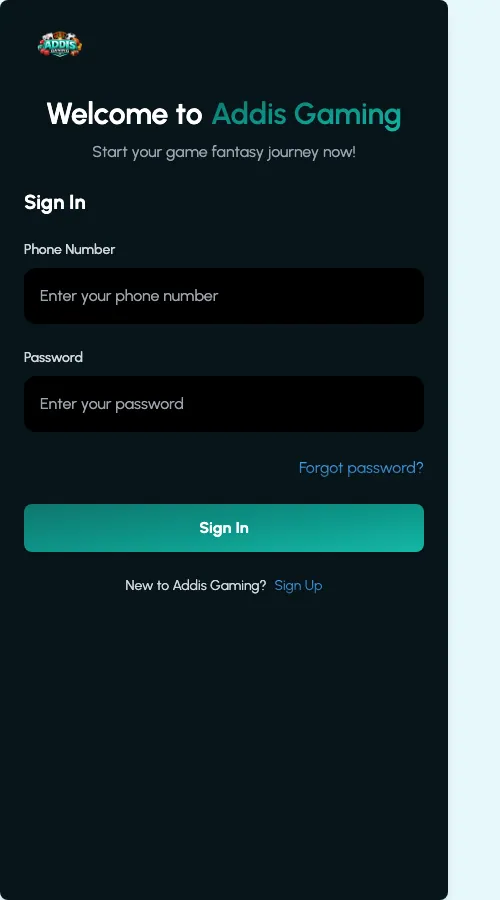
Login does not work
Confirm the phone number or email and password, and check the internet connection. If the password is the problem, use the reset option on the login screen. Clearing the app cache in Settings → Apps → Addis Gaming → Storage fixes many stuck screens. For deposit or withdrawal questions, the support chat link in the lobby is the right place.
Download from this page only
APK files from forwarded messages or unknown sites can carry malware. Use only the download button here, and keep play to adults aged 18+.
Before you start
The app is a way to reach the same casino, not a different product. If the APK will not run on your phone, the mobile site gives the same lobby. The full catalogue, from crash games to Pragmatic Play slots, is described on the Addis Gaming games page, and the home page has the short overview of the brand.
Frequently asked questions
Is there an Addis Gaming app for Android?
Yes. It is distributed as an APK file (addisgaming.apk, about 43 MB) from the download button on this page, not through Google Play.
How do I download the Addis Gaming APK safely?
Use only the Download APK button on this page. Allow installs from your browser or file manager when Android asks, install the file, and then switch the permission off again.
Is there an Addis Gaming app for iPhone?
No. iPhone users can open the mobile site in Safari and choose Share, then Add to Home Screen. This creates an app-style icon without the address bar.
Is the Addis Gaming APK free?
Yes, downloading and installing the app costs nothing. Games and deposits are separate and follow the casino rules.
Why does Android warn me about the APK?
Android shows this message for every app installed from outside Google Play. Check that the file came from this page, then confirm the install.
How do I update the Addis Gaming app?
Download the latest APK from this page and install it over the existing app. Your account and balance stay on the server, so nothing is lost.
The APK will not install. What should I do?
Make sure the download finished (about 43 MB), the unknown-sources permission is on and the phone has free storage. If the problem stays, delete the file and download it again.
Do I need a separate account for the app?
No. The app uses the same account and balance as the website, so you log in with your existing details.